The canvas your team
and agents design on.
You, your teammates and your agents, on one canvas. From first idea to finished design in a single sitting. Sketch it, ask for it, refine it, then hand over something that is already real.
Try it free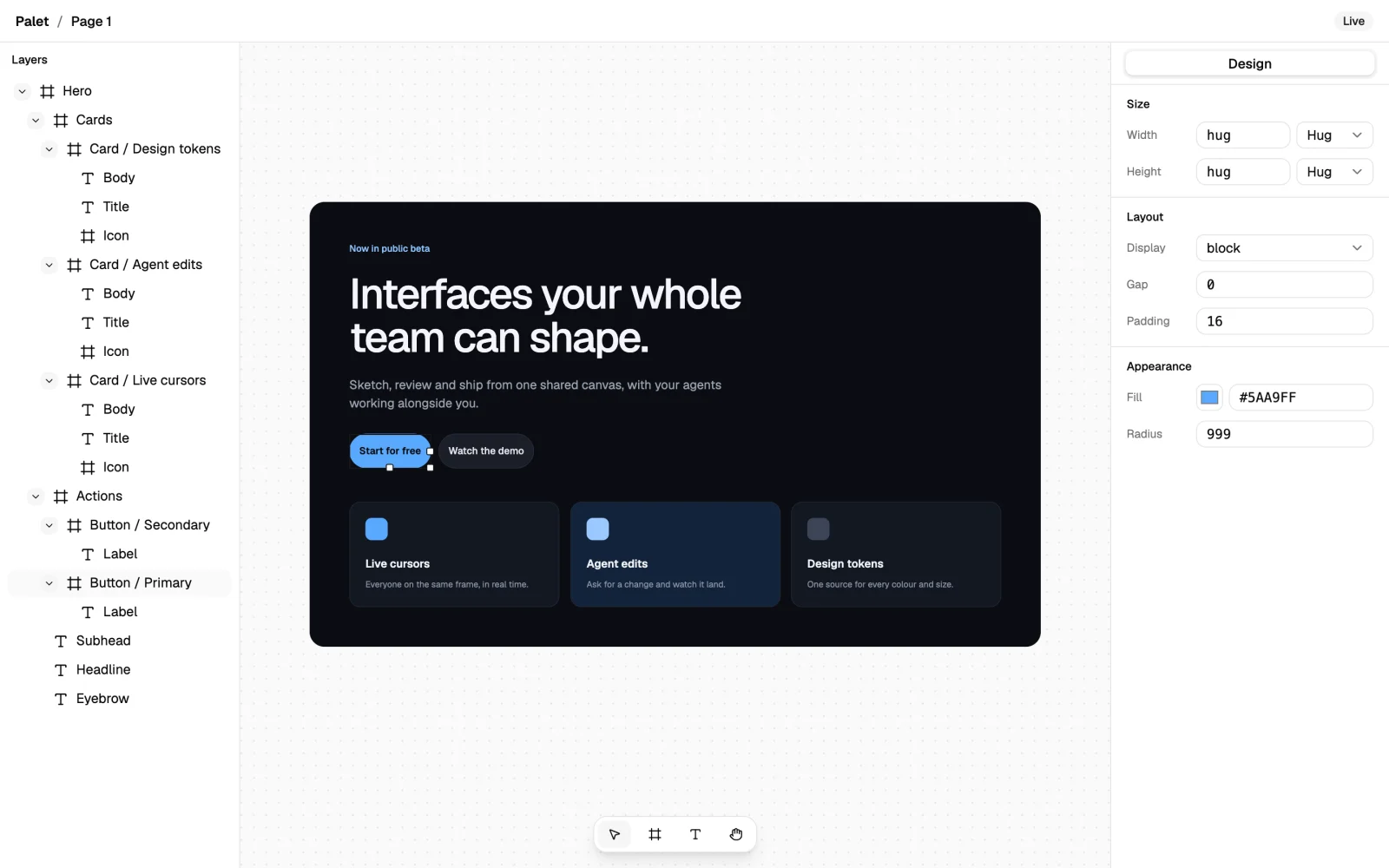
Claude Code
Make the accents match our brand blue.
Done. Two layers updated.
Works with the agents you already use
- Claude Code
- Codex
- Cursor
- Gemini CLI
- GitHub Copilot
- Windsurf
- Cline
- OpenCode
- Kiro
- Amp
- Roo Code
- Goose
Ask. Watch. Refine. Your agent drafts. You decide.
-
Ask
Describe the screen, the section or the change you want, in your own words. Point at a frame to say exactly where. Your agent starts from what is already on the canvas, not from a blank page.
-
Watch
Every change lands on the canvas as it is made, layer by layer, so you can see where it is going. Nothing happens behind your back or in another tab. Stop it the moment it heads the wrong way.
-
Refine
Nudge a spacing, retype a headline, recolour an accent by hand, or ask for another pass. Your edits and your agent’s share one history. Undo walks back through both.
Point at it.
Select a frame or a layer and ask about that one. Your agent knows exactly what you mean, without a paragraph of directions.
Undo anything.
Every change, yours or your agent’s, goes into one history. Step back as far as you like. You are always the one in charge.
Drop in an image. Get layers you can edit.
Vectorise turns a picture into clean vector shapes, right on the canvas. Drop in a sketch, a logo or an illustration and get one editable layer for each colour, traced in your browser in seconds.
- Accent#5aa9ff
- Ink#0f0d0c
- Shade#5c5751
- Tone#aca79d
- Paper#f4f3ea

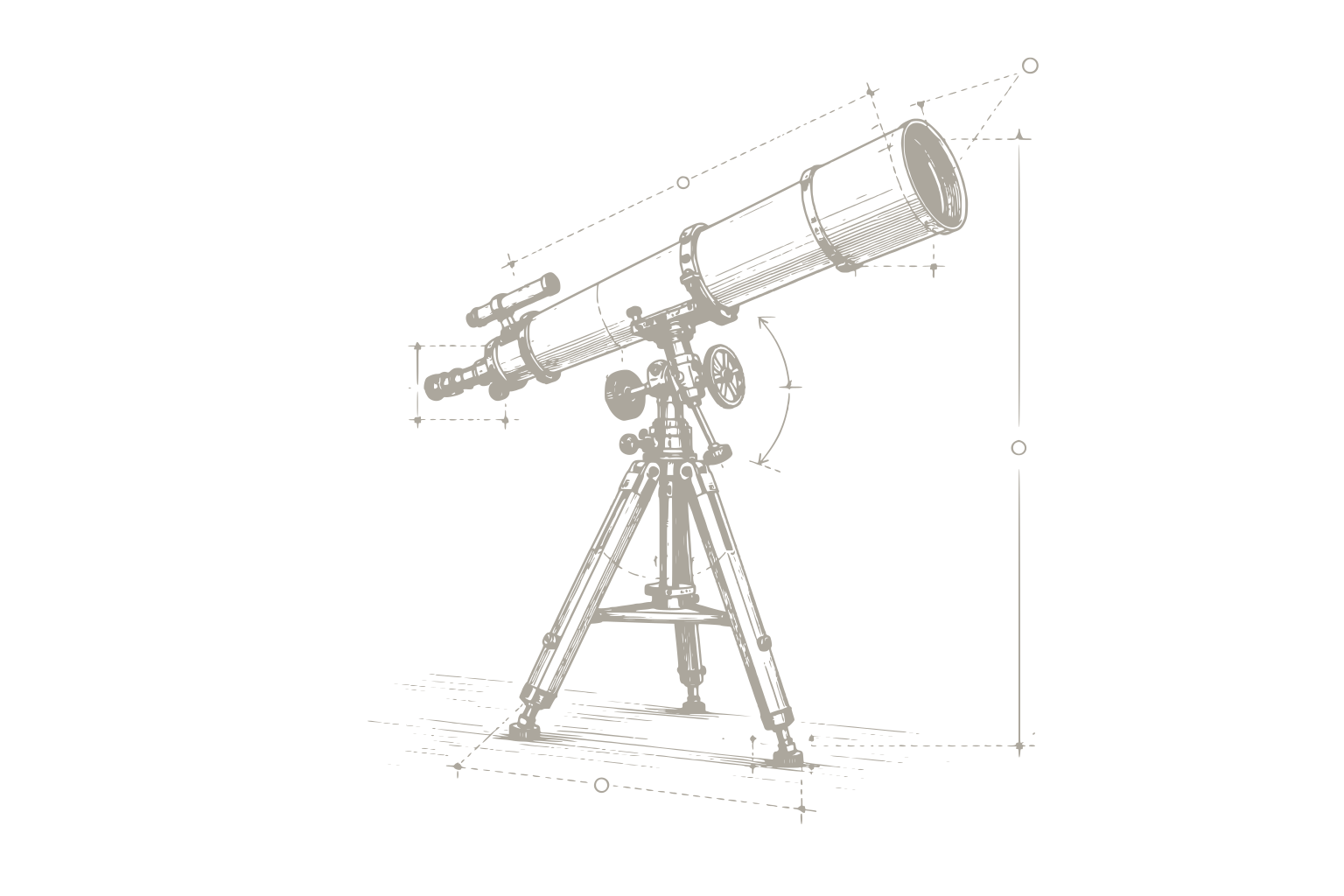
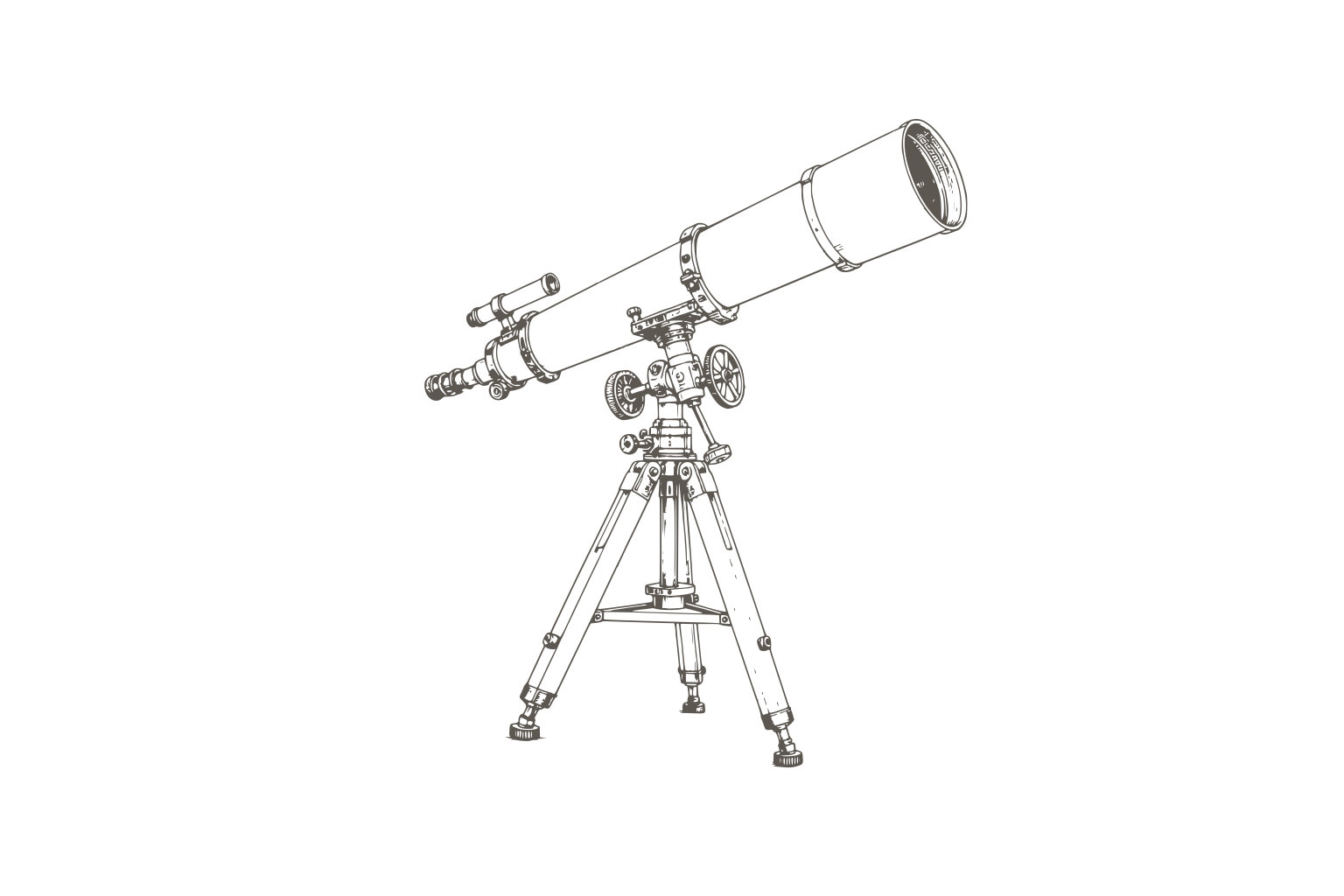
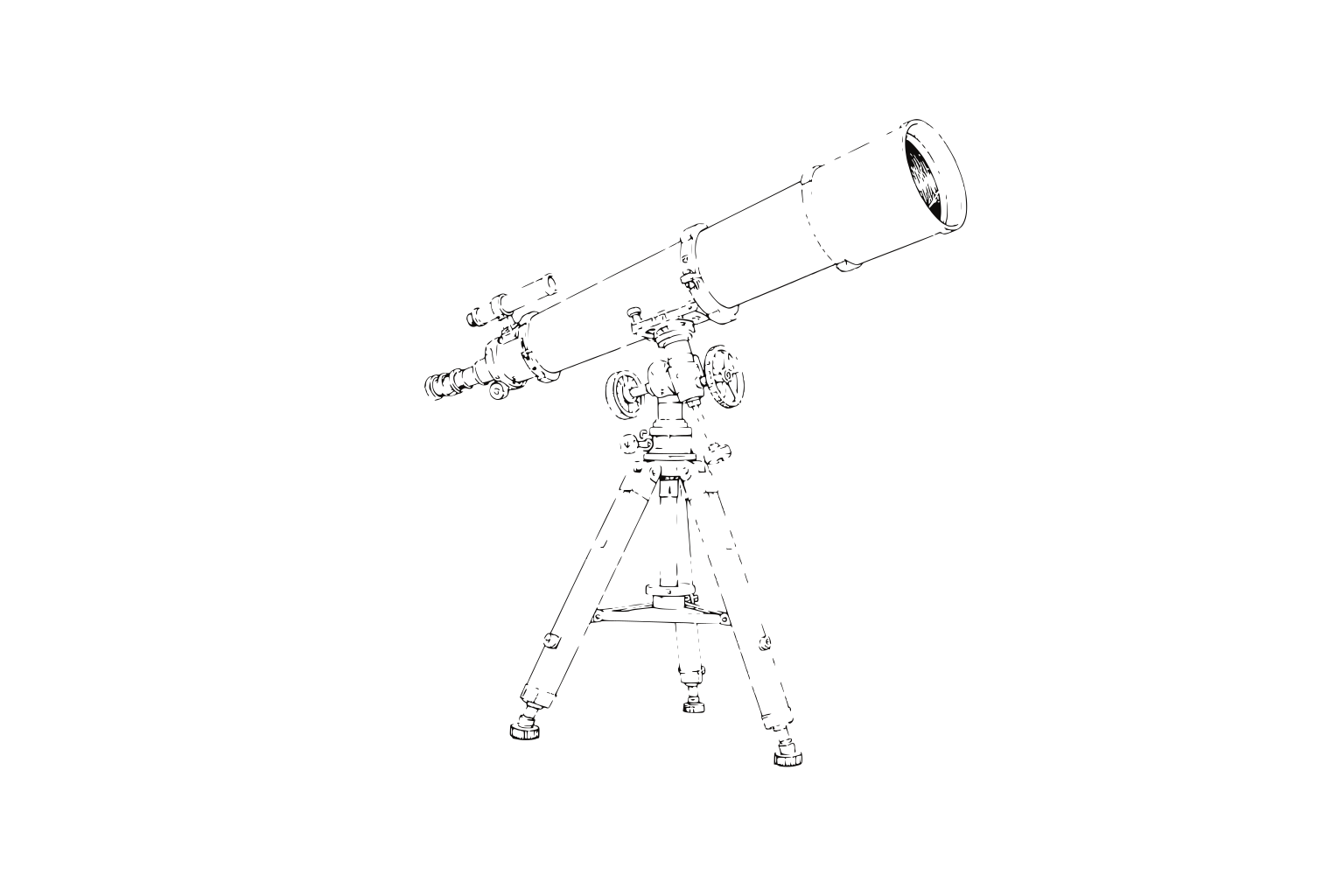
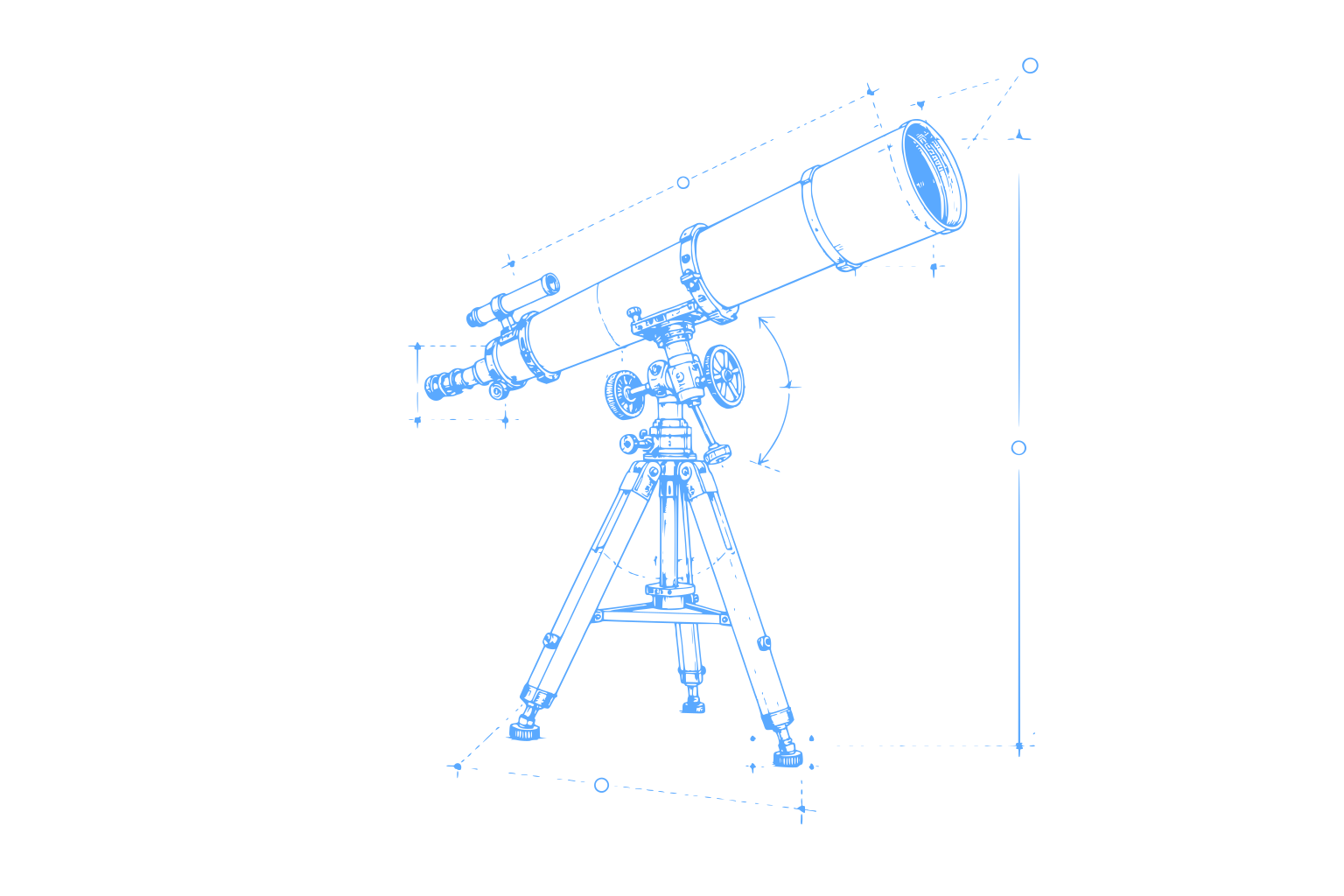
One layer per colour
Every colour in the image becomes its own path, listed in the layers panel. Pick a preset for line art, logos or detailed illustrations, or choose how many colours you want.
Recolour in a click
Change any fill, hide a layer you don’t need, or mark it as the theme colour so it follows light and dark. Undo brings the original image back.
Clean SVG out
Export the result as an SVG file or copy it straight to your clipboard. Hidden layers are left out, so what you see is exactly what you get.
What you design is what ships.
Frames are real layout, with rows, columns, gaps and padding, the same way the web builds them. No handoff. No rebuild. No surprises.
Light or dark. One design.
Super fast. At any size.
-
Opens in an instant
Files load straight from your device, with no server round trip before you can start. Each frame is stored on its own, so a big file opens as quickly as a small one.
-
Keeps up with you
Every edit lands the moment you make it and saves in the background. Dragging, resizing and typing never wait on the network.
-
Stays fast as you grow
Hundreds of screens in one file stay smooth to pan, zoom and edit. Only what changed is saved, so the hundredth frame costs no more than the first.
Your files stay on your device.
-
Stored in your browser
Files and their images live on your device, kept apart for each account that signs in. They are never uploaded to our servers, and nobody else can open them.
-
Yours to take anywhere
Export a .palet.json file with every image inside it, any time, from the file menu or the canvas. It is plain JSON, so it is easy to back up, diff or keep in a repository.
-
Back in one drop
Drag a .palet.json file onto your Files page, or use Import, and it opens as a new file. Move between computers or hand a file to a teammate in seconds.
Bring your agent. Then just ask.
Connect in one line from your terminal. Your agent can then read your canvas, add frames and text, and change what is already there, while you watch every step.
claude mcp add --transport http palet https://api.palet.so/mcpcodex mcp add palet --url https://api.palet.so/mcp{
"mcpServers": {
"palet": {
"type": "http",
"url": "https://api.palet.so/mcp"
}
}
}What's new
A new home for your files, with live previews drawn from each file, search, sort and right-click menus. Light and dark themes, and Palet’s new address at palet.so.
Read the changelogRoadmap
Real-time sync so files follow you, agents on your canvas, and sharing with your team. See what we're building now, next and later.
See the roadmapPricing
Canvas is free for you and your team. Studio adds room for heavier agent work and is free during early access. Atelier is for organisations.
Compare plansQuestions, answered.
When can I use Palet?
Now. Create a free account with your email, pick a name for your workspace, and your first file is one click away. There is no waitlist and no card to enter.
Which agents work with it?
Claude Code, Codex, Cursor, Gemini CLI and most other coding agents that speak MCP. Connect yours with one command, then ask it to work on your canvas the way you would ask a teammate.
Can my team design with me?
Yes. Teammates join your workspace and work on the same canvas, alongside your agents, as sharing rolls out. Until then, export a file and send it to them to open in their own Palet.
Do I need to be a designer?
No. Describe what you want and refine it until it feels right, by hand or by asking again. Designers get a real canvas with frames, layout and layers when they want precise control.
What does it cost?
Canvas is free, for you and your team. Studio is $20 per editor a month, or $16 billed yearly, and it is free during early access. Atelier is for organisations that need SSO and contracts.
Where are my files stored?
In your browser, on your device, inside your own account. Export a .palet.json file any time to keep a copy or move it to another computer, with every image inside it.